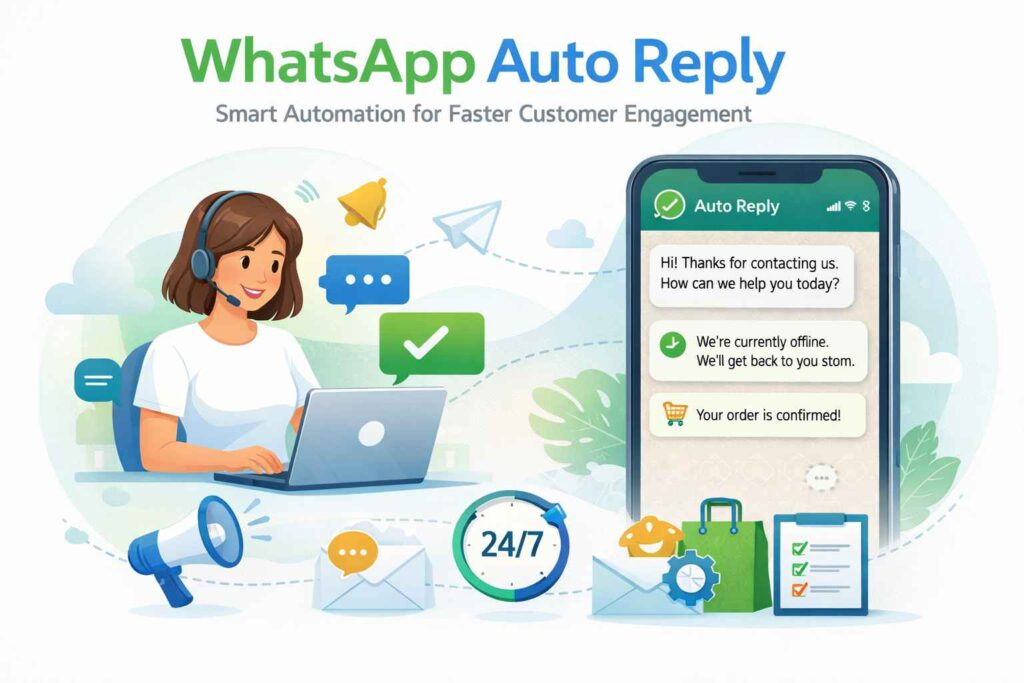

Customer expectations have changed. People want quick responses, clear information, and seamless communication. Businesses that fail to respond on time risk losing valuable leads. This is where WhatsApp Auto Reply becomes a powerful communication tool.
With the growing popularity of WhatsApp for business conversations, auto reply systems help companies stay available even outside working hours. Whether you are a startup, ecommerce brand, or enterprise, automated responses can improve customer experience and operational efficiency.
What is WhatsApp Auto Reply?
WhatsApp Auto Reply is a feature that automatically sends predefined messages when a customer contacts your business account. It works through WhatsApp Business and the WhatsApp Business API, allowing businesses to respond instantly without manual intervention.
Auto replies can be used for:
- Greeting new customers
- Sharing business hours
- Confirming order requests
- Sending away messages
- Providing quick answers to common questions
This ensures customers never feel ignored, even if your team is unavailable.
Why WhatsApp Auto Reply Matters for Businesses
-
Instant Customer Response
Speed plays a crucial role in customer satisfaction. Auto replies ensure that every message receives an immediate response, building trust and professionalism.
-
24/7 Availability
Even outside business hours, customers receive acknowledgment messages. This keeps communication active and improves brand credibility.
-
Better Lead Management
Auto replies can collect essential details such as name, email, or order requirements before a support agent takes over.
-
Improved Productivity
Support teams spend less time answering repetitive queries and can focus on more complex customer needs.
-
Higher Engagement Rates
Quick responses increase the chances of customers continuing the conversation and completing a purchase.
Types of WhatsApp Auto Reply Messages
Different businesses use different types of automated messages depending on their goals.
Greeting Messages
Sent when a customer messages your business for the first time. Example:
“Hello! Thank you for contacting us. How can we assist you today?”
Away Messages
Triggered outside working hours. Example:
“Our team is currently offline. We will get back to you during business hours.”
Quick Replies
Pre saved templates for common questions such as pricing, delivery timelines, or product details.
Order Confirmation Messages
Automatically confirm purchase requests, bookings, or registrations.
How to Set Up WhatsApp Auto Reply
Using WhatsApp Business App
- Open WhatsApp Business
- Go to Settings
- Select Business Tools
- Tap Away Message or Greeting Message
- Customize your message and schedule
This option works well for small businesses.
Using WhatsApp Business API
Medium and large businesses can integrate auto replies using the WhatsApp Business API through an official provider. This allows:
- Advanced chatbot automation
- CRM integration
- Bulk automated messaging
- Personalized workflows
The API option offers scalability and better control over customer communication.
Best Practices for Effective WhatsApp Auto Reply
Keep Messages Clear and Short
Avoid lengthy messages. Keep the tone friendly and professional.
Personalize Whenever Possible
Use customer names and relevant information to make automated messages feel human.
Set Realistic Expectations
If your team will respond within two hours, mention it clearly.
Update Messages Regularly
Change auto replies during holidays, special offers, or promotional campaigns.
Avoid Over Automation
Automation should support human interaction, not replace it completely.
Industries That Benefit from WhatsApp Auto Reply
- Ecommerce stores
- Real estate agencies
- Healthcare clinics
- Educational institutions
- Travel companies
- Digital marketing agencies
Any business that receives frequent customer inquiries can benefit from WhatsApp auto reply systems.
Final Thoughts
WhatsApp Auto Reply is more than just an automated response tool. It is a smart communication strategy that enhances customer experience, saves time, and improves operational efficiency. Businesses that leverage automation effectively can build stronger relationships and maintain consistent engagement with their audience.
Integrating auto reply features through WhatsApp Business or the WhatsApp Business API can transform the way you manage customer conversations. With the right setup and messaging strategy, automation becomes a growth engine for modern businesses.