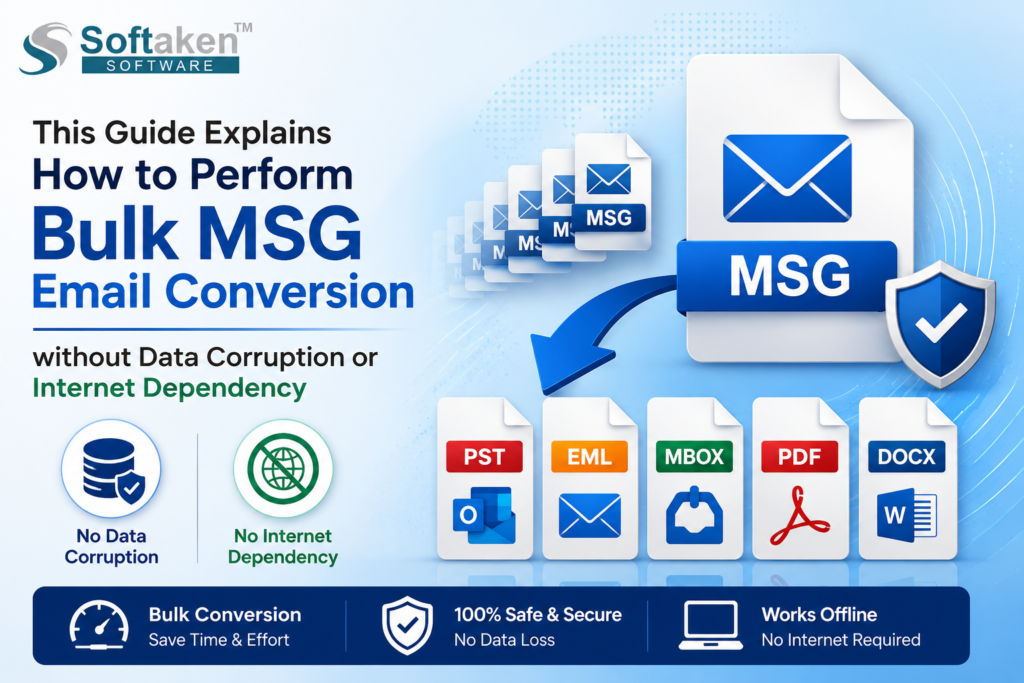

Step-by-step instructions to export Outlook MSG emails in bulk while maintaining original email structure and integrity.
Are you looking for a smart way to bulk MSG email conversion? Managing too many individual MSG files is not an easy task for anyone; it also slows down the productivity and workflow. To clean up the clutter, converting them in bulk is usually the best solution. Bulk conversion saves time and effort as well.
In this guide, we will look at the common limitations of manual conversion, why offline tools are safer and how you can get the job done quickly without risking your data privacy and relying on a fast internet connection.
Understanding MSG Files and the Need for Conversion
MSG files are the file formats that are primarily used to store single email messages, including attachments, metadata, formatting and more. These files are useful when you are using Outlook because they are not universally compatible with other platforms and email clients.
This creates the need for bulk MSG email conversion into formats such as PST, EML, MBOX, and PDF. Whether you are migrating to a different email client, creating backups, conversion of MSG files provides you with better accessibility and flexibility.
Common Challenges in Bulk MSG Conversion
Before diving into the solution, it’s important to understand the common issues users face:
- Improper methods and tools can damage email content and attachments.
- Important fields like sender, receiver, date and subject can get altered.
- The mail structure and layout do not remain intact during the conversion process.
- Many tools require an active internet connection, risking data privacy.
- Manual methods are slow and inefficient for large volumes, which are not suitable for professional and business use.
These challenges make it essential to choose a secure and professional offline solution.
Why Choose an Offline Tool for MSG Conversion?
Using an offline solution helps reduce the risk of data loss and provides a more secure and accurate method compared to manual approaches.
- Offline tool does not affect your data and the privacy of your data remain intact.
- When you use a secure offline tool to convert files anytime and at anywhere.
- Online methods take time to load files and primarily depend on the internet speed, while offline tools run on your system, work faster comparing to online tool and provides better results without delays.
Manual Methods to Convert Message Files into Different Formats
Before using a professional solution, many users try manual techniques to convert files into different formats. Here are some commonly used manual methods:
Manual Method 1: Convert MSG to PST Using Microsoft Outlook
This is one of the most common manual method for file conversion.
Steps:
- Open Microsoft Outlook on your system and create a new folder.
- Then, drag and drop MSG files into that folder
- Select File > Open & Export > Import/Export
- Choose Export to a file, then select PST format.
- Select the folder and export it.
Manual Method 2: Convert Message Files into EML Format by Drag & Drop Method
You can convert Message files into EML format using Outlook.
Steps:
- Open Outlook and Windows File Explorer
- Select MSG files, then drag and drop them into a folder in Windows
- Save files as EML format.
This method works for basic MSG to EML conversion.
Introducing Professional Offline Solution for Conversion
The Softaken MSG Conversion Suite is a professional utility designed to simplify MSG Conversion without compromising data integrity. This tool helps users to convert multiple MSG emails into other formats, like PST, NSF, EML, PDF, HTML, TGZ and more. This tool allows users to convert bulk email files in one go. Users can examine the files before beginning the conversion process thanks to its preview features.
This tool has no file size restrictions and is capable of handling large emails effectively. Users can save their file at any desired location on their system. This tool has a selective export features that allow users to convert files of only selective emails. Users can perform the conversion safely, as it does not remove the original data during the entire conversion process. Its high compatibility, great accuracy and fast performance make it a smart and secure option for conversion tasks.
Step-by-Step Guide to Perform Bulk MSG Email Conversion
Follow these steps to safely convert your MSG files:
- Download and open the conversion software on your system to migrate the Message files.
- Launch the tool and select the MSG files you want to convert into other format.
- Choose the desired output format in which you want to save the files and then click on the Next option.
- Set the filters like date filter, naming option and choose the destination location to save the exported files.
- Click the convert button to start the process. The tool will handle bulk email conversion efficiently.
For converting Message files to online email clients like Gmail and G Suite, set up your IMAP server settings.
No Internet Dependency – A Major Advantage
Unlike cloud-based tools, this software can operate completely offline. This means:
- There is no risk of data leakage during conversion
- It works independently and no need for high-speed internet
- Ideal for secure environments like corporate systems, professional users and organizations.
- Faster processing without upload/download delays.
If you are handling sensitive email data, this feature is particularly valuable.
Tips for Safe MSG Conversion
If you want the best results during bulk MSG email conversion, keep these tips in mind:
- Always use a trusted and secure software for conversion.
- Backup original Message files before conversion
- Avoid interrupting the conversion process
- Check system compatibility before installation
- Use filters to reduce unnecessary data processing
Why is a Professional tool a Better Choice?
There are many tools available along with manual methods, but the professional tool stands out due to its balance of simplicity, performance and security.
- No technical expertise is required to operate this tool.
- Handles large volumes effortlessly to make the conversions smooth and fast
- Maintains complete data accuracy during the migration.
- User-friendly interface and smart features provide you with a smooth experience.
- Regular updates and support make it suitable for all users.
Conclusion
Performing bulk MSG email conversion doesn’t have to be complicated and risky. With the right solution, you can convert your files effectively and effortlessly. Both manual and professional techniques are available but manual methods are less effective compared to professional methods. Meanwhile, professional methods offer a smart and safe approach for bulk conversion. Using the professional tool, you can convert large volumes of files without worrying about data corruption and internet dependency.