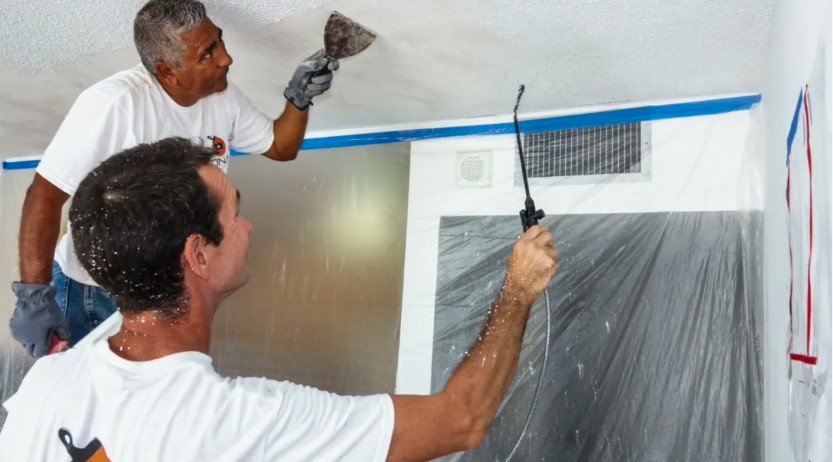

In today’s digital world, image quality plays a critical role in attracting attention and delivering clear visual messages. Whether you’re working in photography, graphic design, e-commerce, advertising, or digital art, clean and polished images can significantly impact audience engagement. One important image editing technique that helps achieve this level of quality is Texture Removal.
Texture removal is the process of eliminating unwanted textures, patterns, blemishes, or surface irregularities from an image while preserving its essential details and overall appearance. This technique is widely used by professionals who want to create smoother, cleaner, and more visually appealing images for various purposes.
What Is Texture Removal?
Texture removal refers to the editing process of reducing or eliminating visible textures from a subject or background within an image. These textures may include skin imperfections, fabric patterns, wall surfaces, noise, scratches, or other distracting elements that interfere with the image’s visual appeal.
The goal is not to make an image look artificial but to enhance its clarity and focus by minimizing unnecessary details. Modern image editing software uses advanced algorithms and tools to selectively remove textures while maintaining important edges, shapes, and features.
Why Texture Removal Matters
High-quality visuals are essential in both personal and professional projects. Unwanted textures can distract viewers from the main subject and reduce the effectiveness of an image. Texture removal helps create a cleaner and more professional presentation.
Some key benefits include:
- Improved visual clarity
- Enhanced focus on the main subject
- Better product presentation for online stores
- More professional-looking portraits
- Reduced image distractions
- Consistent branding across marketing materials
By removing unnecessary textures, editors can guide the viewer’s attention toward the most important elements of an image.
Common Applications of Texture Removal
1. Portrait Retouching
One of the most popular uses of texture removal is in portrait photography. Photographers often remove skin blemishes, acne marks, wrinkles, and uneven textures to create polished portraits while maintaining a natural appearance.
Professional retouchers use texture removal carefully to avoid excessive smoothing that can make subjects look unrealistic.
2. Product Photography
E-commerce businesses rely heavily on product images to drive sales. Texture removal helps eliminate dust, scratches, fabric inconsistencies, and surface imperfections that may negatively affect a product’s appearance.
Clean product images improve customer trust and contribute to higher conversion rates.
3. Architectural Photography
Walls, floors, and building surfaces may contain stains, cracks, or unwanted textures. Texture removal helps create more refined architectural images for real estate listings, brochures, and promotional materials.
4. Graphic Design
Designers often use texture removal to simplify backgrounds and create cleaner compositions. This allows text, logos, and other design elements to stand out more effectively.
5. Digital Art and Illustration
Artists frequently remove textures from reference images or artwork to achieve specific visual styles and maintain consistency across creative projects.
Methods Used for Texture Removal
Various techniques are used depending on the complexity of the image and the desired result.
Manual Editing
Professional editors often use tools such as healing brushes, clone stamps, and smoothing filters to remove textures manually. This method provides precise control and high-quality results.
Frequency Separation
Frequency separation is a popular advanced retouching technique that separates texture information from color and tone. This allows editors to remove unwanted textures while preserving natural skin tones and image details.
AI-Powered Tools
Artificial intelligence has transformed image editing by automating texture removal processes. AI-based software can detect and eliminate unwanted textures quickly while maintaining image quality.
These tools are especially useful for businesses that need to process large volumes of images efficiently.
Best Practices for Effective Texture Removal
To achieve professional results, it’s important to follow a few key principles:
Maintain Natural Appearance
Over-editing can make images look artificial. The goal should be enhancement rather than complete elimination of all textures.
Preserve Important Details
Certain textures contribute to realism and visual depth. Editors should remove distractions without sacrificing essential image characteristics.
Use Non-Destructive Editing
Working with layers and editable adjustments ensures flexibility and allows changes to be reversed if necessary.
Balance Smoothness and Detail
Finding the right balance between texture reduction and detail preservation is crucial for creating natural-looking images.
Challenges of Texture Removal
While texture removal offers many benefits, it also presents several challenges.
One common issue is the loss of important image details. Excessive texture reduction can result in flat, unrealistic visuals. Another challenge is maintaining consistency across multiple images, especially in commercial projects.
Professional editors must carefully evaluate each image and apply texture removal techniques selectively to achieve the best results.
The Future of Texture Removal Technology
Advancements in artificial intelligence and machine learning continue to improve Texture Ceiling Removal capabilities. Modern software can now analyze image content more accurately and perform highly targeted edits with minimal user intervention.
As technology evolves, texture removal is becoming faster, more precise, and more accessible to both professionals and beginners. Future innovations will likely offer even greater automation while maintaining exceptional image quality.
FAQs About Texture Removal
1. What is texture removal in image editing?
Texture removal is the process of eliminating unwanted surface details, patterns, blemishes, or irregular textures from an image while preserving important visual elements.
2. Why is texture removal important?
It helps improve image quality, reduces distractions, enhances focus on the main subject, and creates a more professional appearance.
3. Is texture removal only used for portraits?
No. Texture removal is commonly used in product photography, architectural photography, graphic design, digital art, and many other visual industries.
4. Can AI perform texture removal automatically?
Yes. Many modern editing tools use AI technology to identify and remove unwanted textures quickly and efficiently.
5. Does texture removal affect image quality?
When done correctly, texture removal enhances image quality. However, excessive editing may reduce realism and remove important details.
Conclusion
Texture removal has become an essential image editing technique for photographers, designers, marketers, and businesses seeking professional visual content. By eliminating unwanted textures and distractions, it enhances image clarity, improves presentation quality, and helps viewers focus on what matters most. Whether performed manually or through advanced AI-powered tools, texture removal can significantly elevate the overall impact of an image when applied thoughtfully and responsibly.