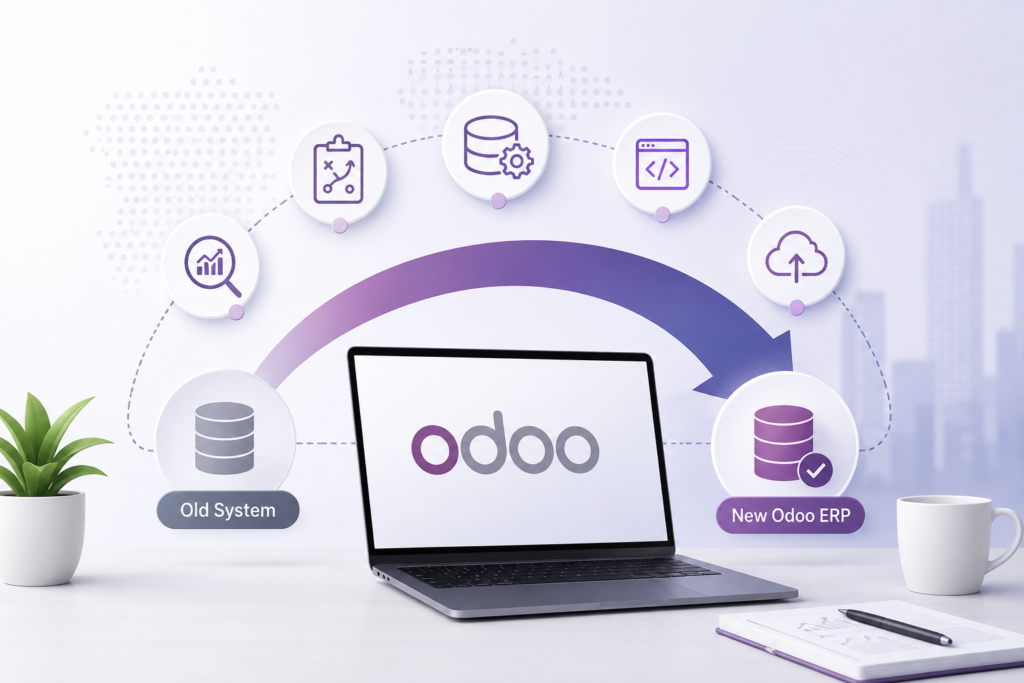

Enterprise Resource Planning (ERP) systems are the backbone of modern businesses. However, running an outdated ERP version can lead to security vulnerabilities, inefficient workflows, poor user experiences, and rising maintenance costs. That’s why organizations worldwide are migrating to the latest version of Odoo ERP.
A successful Odoo ERP migration is much more than moving data from one system to another. It requires careful planning, technical expertise, testing, and post-migration optimization to ensure business continuity and maximize return on investment (ROI).
In this comprehensive guide, we’ll walk you through a practical Odoo ERP migration roadmap that helps businesses reduce downtime while ensuring a smooth transition.
Why Businesses Are Migrating to the Latest Odoo Version
Every new Odoo release introduces significant improvements across various business functions.
Key benefits include:
- Faster application performance
- Enhanced security and compliance
- AI-powered automation
- Better reporting and analytics
- Improved user interface
- Mobile-friendly experience
- New accounting and manufacturing features
- Better CRM and sales automation
- Improved inventory and warehouse management
- Easier third-party integrations
Migrating allows businesses to leverage these capabilities while eliminating the limitations of legacy systems.
Common Challenges During ERP Migration
Without a structured migration strategy, organizations often encounter:
- Data loss
- Extended downtime
- Broken custom modules
- Integration failures
- User adoption issues
- Performance degradation
- Reporting inconsistencies
- Budget overruns
Fortunately, these risks can be minimized with the right migration roadmap.
The Complete Odoo ERP Migration Roadmap
Phase 1: Business Assessment
Before touching any data, assess your existing ERP environment.
Evaluate:
- Current Odoo version
- Custom modules
- Third-party integrations
- Database size
- Business workflows
- User roles and permissions
- Reports and dashboards
- Existing pain points
This discovery phase identifies what should be migrated, improved, or retired.
Deliverables
- Migration scope
- Risk assessment
- Timeline
- Resource planning
Phase 2: Migration Strategy Planning
Every organization has unique business requirements.
Create a migration strategy covering:
Data Migration Plan
Determine:
- Master data
- Transactional data
- Historical records
- Archived information
Not every record needs to be migrated.
Cleaning unnecessary data significantly improves migration speed.
Custom Module Evaluation
Review all custom developments.
Ask:
- Can this feature now be handled by standard Odoo?
- Should it be rebuilt?
- Can it be removed?
Reducing unnecessary customization lowers maintenance costs.
Integration Planning
Document integrations with:
- Payment gateways
- eCommerce platforms
- CRM tools
- Shipping providers
- Accounting software
- Manufacturing equipment
- APIs
Phase 3: Data Cleanup
One of the biggest reasons migrations fail is poor-quality data.
Before migration:
- Remove duplicate customers
- Delete inactive products
- Correct inventory inaccuracies
- Validate supplier records
- Clean financial data
- Archive obsolete transactions
High-quality data ensures reliable reporting after migration.
Phase 4: Infrastructure Preparation
Prepare your deployment environment.
Whether using:
- Odoo Online
- Odoo.sh
- On-premise
- Cloud hosting
Ensure:
- Backup systems
- Security configuration
- Storage capacity
- Performance optimization
- Disaster recovery plan
Infrastructure readiness minimizes unexpected downtime.
Phase 5: Development & Customization
If your business uses custom workflows, rebuild or upgrade them for the new Odoo version.
Examples include:
- Manufacturing automation
- Warehouse workflows
- Purchase approvals
- Sales pipelines
- HR processes
- Custom reports
Avoid simply copying legacy code.
Instead, optimize customizations using the latest Odoo framework.
Phase 6: Data Migration Execution
Now comes the core migration process.
Typical migration activities include:
- Export legacy database
- Convert data formats
- Import master records
- Import transactional records
- Validate relationships
- Rebuild indexes
- Verify attachments
- Migrate user permissions
Every migration should follow a staged approach rather than a single production migration.
Phase 7: Testing
Testing is often underestimated.
A comprehensive migration should include:
Functional Testing
Verify:
- Sales
- CRM
- Purchase
- Inventory
- Accounting
- Manufacturing
- HR
- Payroll
Integration Testing
Ensure external systems communicate properly.
User Acceptance Testing (UAT)
Business users validate real workflows before production.
Performance Testing
Check:
- Response times
- Search speed
- Report generation
- Concurrent users
Testing significantly reduces production issues.
Phase 8: Go-Live Planning
Never migrate during peak business hours.
Create a go-live checklist covering:
- Final database backup
- Freeze legacy system
- Final data synchronization
- DNS updates
- User communication
- Rollback plan
- Technical support availability
Many organizations choose weekends or public holidays for deployment to minimize business disruption.
Phase 9: Post-Migration Validation
Migration doesn’t end after go-live.
Validate:
- Financial balances
- Inventory levels
- Customer records
- Supplier records
- Sales orders
- Purchase orders
- Reports
- Workflows
Small issues identified early are much easier to fix.
Phase 10: User Training & Optimization
Even the best ERP implementation fails without user adoption.
Conduct training sessions covering:
- New features
- Updated workflows
- Best practices
- Security policies
- Reporting
- Dashboards
Continuous optimization helps businesses maximize ROI.
Best Practices to Reduce Downtime During Migration
Follow these proven strategies:
Perform Multiple Test Migrations
Practice makes production migration much smoother.
Use a Sandbox Environment
Never experiment directly in production.
Automate Data Validation
Automated scripts identify missing records, duplicates, and inconsistencies quickly.
Migrate in Phases
Large organizations often migrate:
- Department-wise
- Module-wise
- Location-wise
This minimizes operational risks.
Maintain a Rollback Plan
Always have a recovery strategy if unexpected issues occur.
Communicate with Stakeholders
Keep employees informed about:
- Migration schedule
- Downtime windows
- New features
- Support channels
Clear communication reduces confusion.
How Odoo Migration Improves ROI
A properly executed migration delivers measurable business value.
Increased Productivity
Employees spend less time on manual tasks thanks to automation.
Lower IT Costs
Modern Odoo versions require less maintenance and provide better long-term support.
Better Decision-Making
Real-time dashboards and advanced analytics provide deeper business insights.
Enhanced Customer Experience
Faster order processing, improved inventory visibility, and better CRM workflows lead to higher customer satisfaction.
Scalability
Your ERP grows alongside your business, supporting additional users, locations, and operations without major system overhauls.
Signs It’s Time to Migrate Your Odoo ERP
If you experience any of these issues, it’s likely time for an upgrade:
- Frequent system slowdowns
- Unsupported Odoo version
- High maintenance costs
- Broken integrations
- Increasing security concerns
- Manual workarounds
- Poor reporting capabilities
- Difficulty scaling operations
Addressing these problems through migration helps future-proof your business.
Why Choose Master Software Solutions for Odoo ERP Migration?
As an Odoo Silver Partner, Master Software Solutions helps businesses migrate to the latest Odoo version with minimal disruption. Our team specializes in:
- End-to-end migration planning
- Secure data migration
- Custom module upgrades
- Third-party integration support
- Performance optimization
- Post-migration support and training
With a structured migration methodology, we help organizations reduce downtime, protect critical business data, and unlock the full value of their Odoo investment.
Conclusion
An Odoo ERP migration is a strategic opportunity to modernize operations, enhance efficiency, and prepare your business for future growth. Success depends on careful planning, data quality, thorough testing, and expert execution.
By following a well-defined migration roadmap, businesses can reduce downtime, avoid costly disruptions, and achieve a faster return on investment. Whether you’re upgrading from an older Odoo version or transitioning from another ERP system, a structured approach ensures a smooth and successful migration.
If you’re planning your next ERP upgrade, partnering with experienced Odoo migration experts can make the process faster, safer, and more cost-effective.