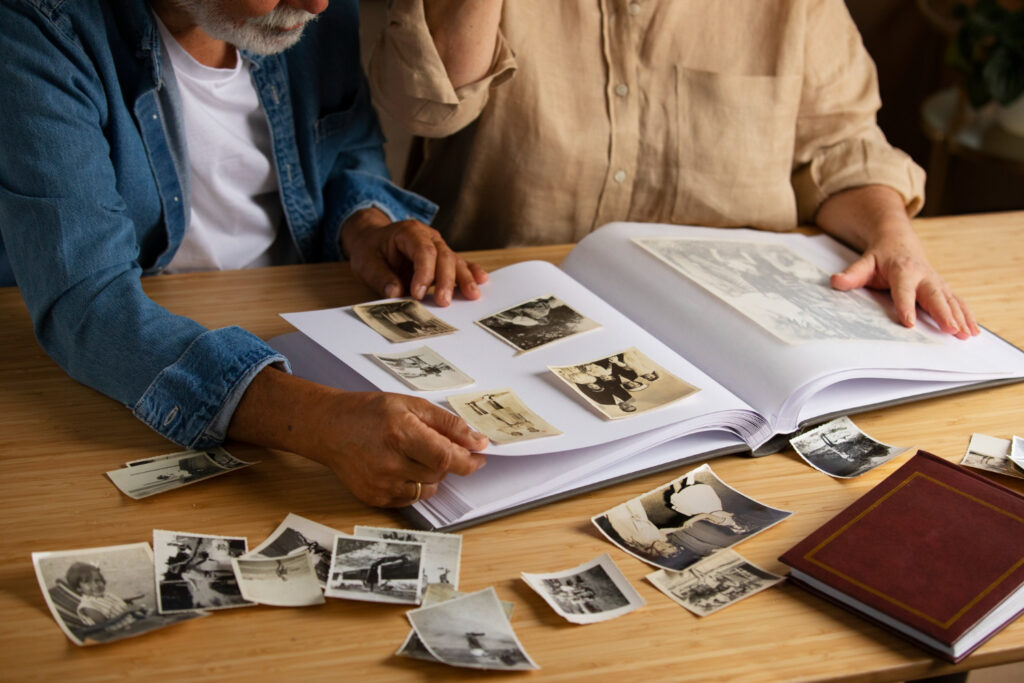

A box of old photographs is a wonderful thing to inherit and a daunting thing to digitize. Decades of prints, slides, and negatives tend to arrive jumbled together, some in albums, some loose, many with no dates or names attached. The quality of a photo scanning project depends heavily on the work done before a single image is captured. A little organization on the front end produces cleaner digital folders, faster turnaround, and often a lower cost.
Sorting and Grouping Your Photos
Start by dividing the collection into logical groups, whether by era, family branch, event, or household. There is no single correct system, only the one that will make sense to you later when browsing the finished files. Once the groups are set, place each into a labeled or numbered envelope or Ziplock bag. A digitizing service can create digital folders named to match those labels, so the structure you build at the kitchen table carries straight through to the folders on your screen.
Numbering works especially well for large collections. A simple system, group one, group two, and so on, with a short note describing each, keeps everything traceable without elaborate captions. The aim is not perfection, only enough order that the finished archive arrives sorted rather than scrambled.
Handling Prints, Slides, and Negatives
Different formats call for slightly different handling. Loose prints are the simplest, so group and bag them. Slides are often stored in carousels or boxes, and keeping them in their existing trays or sleeves helps preserve their order. Negatives are the most delicate and should be handled by their edges and kept in their sleeves until they reach the scanner.
Whenever possible, remove prints from magnetic or adhesive album sleeves before scanning, since loose prints can be captured at the highest quality. If a service is asked to remove them, that work can usually be arranged, but doing it yourself where safe keeps the project moving.
When Photos Are Stuck to Album Pages
One of the most common worries is photos fused to album pages. The instinct to peel them free should be resisted. Gently test whether a print lifts away without resistance. If it releases easily, provide the loose print. If it clings, stop, since forcing a stuck photo can tear the emulsion and permanently destroy the image. Albums with stubbornly attached photos are best provided as they are, so each page can be captured intact with an overhead scanning system that never requires removing the prints at all.
Choosing Resolution Before You Scan Old Photos
A decision worth making before the project begins is how the images will be used. Resolution, measured in DPI, determines how large a scanned image can be reprinted or enlarged without losing sharpness. Standard prints scanned at 600 DPI can be safely enlarged by roughly one size, so that a 4×6 can become a 5×7 or an 8×10 with no visible loss.
For prints intended to become large wall art, higher resolutions capture more detail. Slides and negatives, thanks to their density, are scanned at much higher resolutions and are the better source when big enlargements are the goal. Matching the settings to the intended use in advance means the photo scanning results fit the plan, rather than discovering after the fact that an image will not enlarge the way it was hoped.
A Quick Preparation Checklist
Before you scan old photos, a short pass through the collection pays off. Sort into meaningful groups, label or number each, and bag them to stay together. Remove loose prints from sleeves where safe, but leave stuck photos and fragile items for professional handling, and keep slides and negatives in their protective housing. A collection prepared this way arrives ready to digitize, and the person who did the sorting is rewarded with an archive that already makes sense.
For families and organizations across Chicago, Scan5 turns that preparation into a beautifully organized digital archive, handling even fragile prints, slides, and negatives with meticulous, professional care. When it is time to scan old photos, Scan5 treats each collection with the attention that irreplaceable memories deserve, delivering high-resolution results that are easy to store safely and share.