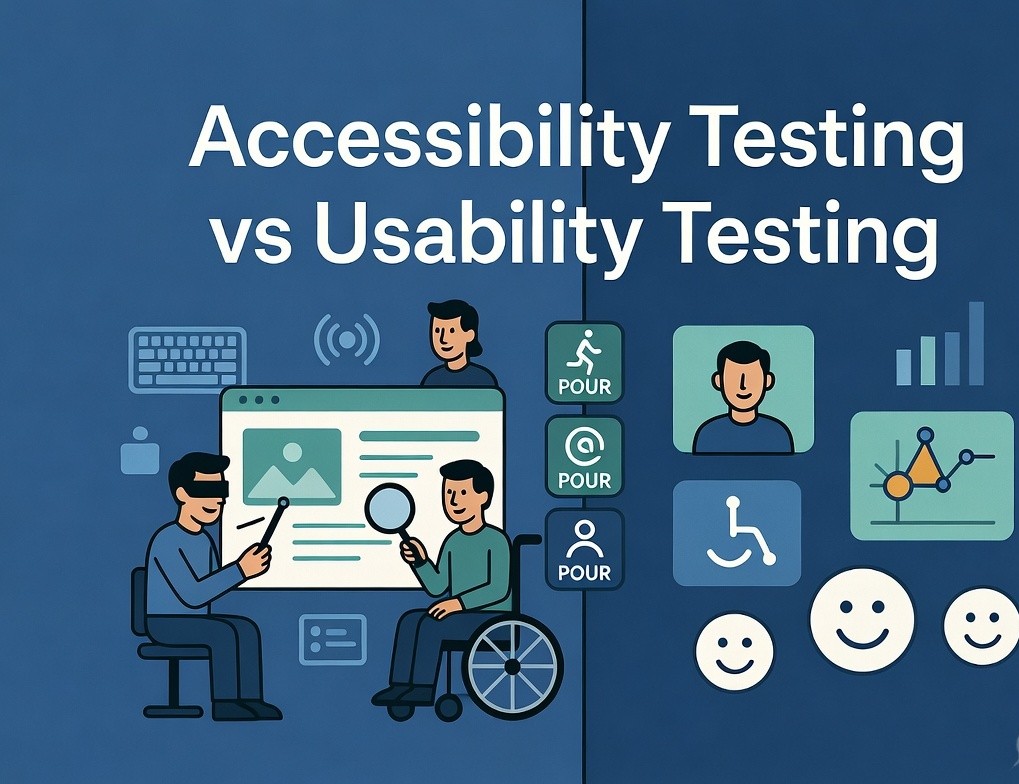

In today’s digital landscape, creating products that deliver great experiences to every user has become a necessity, not a choice. Two important testing methods play a major role here — usability testing and accessibility testing.
While usability testing focuses on making interfaces intuitive, fast, and enjoyable for typical users, accessibility testing ensures that people with disabilities can use the same digital products with equal ease and independence.
With more than 1.3 billion people worldwide living with some form of disability, accessibility testing is no longer optional. It is a critical practice that combines technical compliance, ethical responsibility, and smart business strategy.
This guide explains the key differences, similarities, methods, tools, and best practices of both testing approaches, with strong emphasis on accessibility testing
What is Usability Testing?
Usability testing evaluates how easy, efficient, and satisfying a digital product is for its intended users. It answers questions like:
- Can users complete tasks without confusion?
- Is the interface intuitive?
- How much frustration do users face?
It follows established usability principles such as learnability, efficiency, memorability, error recovery, and user satisfaction. Testers observe real users performing tasks, collect feedback through think-aloud sessions, and measure metrics like task completion time and success rate.
The goal of usability testing is to create smooth, delightful experiences that boost conversions and user loyalty. It primarily targets users without disabilities who use standard devices like mouse, keyboard, or touchscreens.
What is Accessibility Testing?
Accessibility testing is the process of checking whether websites, apps, and digital products can be used effectively by people with disabilities — including visual, auditory, motor, cognitive, or temporary impairments.
It is based on international standards, mainly Web Content Accessibility Guidelines (WCAG) 2.1 and 2.2 at Level AA. The four foundational principles of WCAG are known as POUR:
- Perceivable: Users must be able to perceive the information (alt text, captions, good contrast).
- Operable: Users must be able to operate the interface (full keyboard support, no time limits that can’t be extended).
- Understandable: Content and navigation must be clear and predictable.
- Robust: Content must work well with assistive technologies now and in the future.
Accessibility testing includes automated scans, manual keyboard testing, screen reader testing (NVDA, VoiceOver, JAWS), and real user testing with people who have disabilities.
It helps organizations meet legal requirements such as the ADA, Section 508, and the European Accessibility Act while ensuring genuine inclusion.
Key Differences Between Accessibility Testing and Usability Testing
| Aspect | Usability Testing | Accessibility Testing |
|---|---|---|
| Primary Focus | Ease and enjoyment for typical users | Equal access for users with disabilities |
| Target Users | General audience | People with visual, motor, hearing, cognitive impairments |
| Standards | Heuristics and user feedback | WCAG 2.1/2.2, POUR principles, ADA |
| Testing Methods | User sessions, heatmaps, A/B testing | Automated tools + keyboard + screen reader + disabled users |
| Success Measure | Task time, satisfaction, error rate | WCAG compliance, assistive tech compatibility |
| Outcome | Delightful and intuitive product | Inclusive and legally compliant product |
Accessibility testing acts as the foundation. A product may pass usability tests but still exclude many users if it fails accessibility checks. On the other hand, meeting WCAG standards ensures basic access, while usability testing adds the layer of delight and efficiency.
Similarities Between Both Testing Types
- Both aim to remove user friction
- Both rely on real user feedback
- Both work best when done iteratively from the early stages
- Both ultimately improve overall user experience
- Inclusive usability testing often overlaps with accessibility testing
Why Accessibility Testing Matters in 2026
Accessibility testing delivers clear business value:
- Access to a huge market of 1.3 billion people with strong buying power
- Better SEO through semantic HTML and proper structure
- Reduced risk of expensive accessibility lawsuits
- Stronger brand reputation as an inclusive organization
- Lower long-term maintenance costs
With stricter regulations and growing awareness, organizations that prioritize accessibility testing gain a competitive edge.
How to Perform Usability Testing
- Define clear tasks and goals
- Recruit 5–8 representative users
- Run moderated or unmoderated test sessions
- Observe behavior and collect feedback
- Analyze results and prioritize fixes
- Iterate and test again
How to Perform Accessibility Testing
A strong accessibility testing process includes:
- Automated scanning with tools like axe DevTools and WAVE
- Manual checks for keyboard navigation and focus order
- Color contrast verification (minimum 4.5:1)
- Screen reader testing
- Testing with real users who have disabilities
- Mapping issues to WCAG success criteria
- Fixing and re-verifying
Best Tools for Each
Usability Testing Tools: UserTesting, Maze, Hotjar, Lookback
Accessibility Testing Tools:
- axe DevTools
- WAVE
- Google Lighthouse
- NVDA, VoiceOver, JAWS (screen readers)
- Color contrast analyzers
Best Practices for 2026
- Start accessibility and usability testing early (shift-left)
- Include users with disabilities in your testing pool
- Train your team on basic accessibility principles
- Combine automated and manual testing
- Make accessibility testing a continuous part of your development process
Final Thoughts
Accessibility testing and usability testing are complementary, not competitive. Usability testing makes products enjoyable for most users, while accessibility testing ensures no one is left behind.
By investing in both, you create truly inclusive digital experiences that benefit everyone — not just because it’s the right thing to do, but because it makes strong business sense.
Start today: Run an accessibility scan on your website, test one critical flow with a keyboard only, or include diverse users in your next usability round. Small steps in accessibility testing can lead to big improvements in reach, compliance, and user satisfaction.
Make your digital products work for everyone.