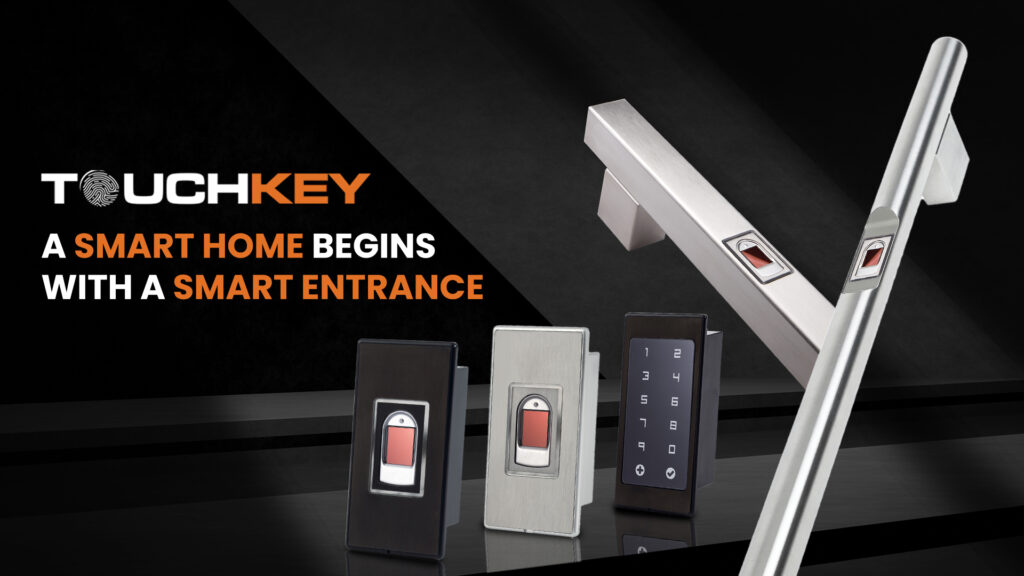

Smart home security is no longer a luxury, it’s a necessity. More and more homeowners across India are upgrading from traditional locks to a fingerprint door lock for better convenience, safety, and peace of mind. The technology has become more affordable, more reliable, and honestly, much easier to live with than fumbling for keys every single day.
But before you go ahead and install one, a little preparation goes a long way in making the entire process smooth, clean, and hassle-free. Rushing into installation without checking a few basics can lead to unnecessary drilling, poor fitment, or compatibility issues that could have been easily avoided.
Here are 4 simple but important pre-installation tips to keep in mind before getting your digital smart door lock.
- Measure Your Door Thickness and Hole Size
This is the most important step that most people overlook, and it can make or break your installation experience. Not every digital lock fits every door. Before purchasing, take a moment to measure your door’s thickness. Most standard doors in India range between 35mm to 50mm, but older homes or custom-built doors may fall outside this range.
Also check the existing borehole diameter on your door the round cut-out where your current lock sits. A fingerprint door lock comes with specific size requirements, so matching these measurements beforehand saves you from unnecessary drilling, extra hardware costs, or awkward adjustments during installation. If you are unsure about the measurements, most brands provide a detailed compatibility guide. Refer to it carefully or reach out to their support team before making a purchase decision.
- Check Your Door Material and Type
Not all doors are created equal, and this matters more than most people realise. Digital smart door locks work best on solid wooden, metal, or WPC doors. If your door is hollow, old, or has a weak or damaged frame, the lock may not mount securely and that directly affects both its performance and your security.
Also consider the direction your door opens, whether inward or outward, and whether it is a single door or a double door setup. A good fingerprint door lock like the ones available at TouchKey is designed to suit a wide variety of door types, but confirming compatibility beforehand ensures a cleaner, sturdier, and more reliable fit from day one.
- Decide on Power Source and Backup Options
Most digital door locks run on standard AA batteries, while some premium models support USB charging or even a wired power connection. Before installation, take a moment to decide which power setup works best for your home and lifestyle.
More importantly, always check whether the lock offers a reliable backup access option — either a physical key slot or an emergency external power port. This is absolutely crucial. If your batteries die unexpectedly and there is no backup, you could find yourself locked out of your own home, which is the last thing anyone wants. A dependable fingerprint door lock will always include at least one backup access method to handle situations like these gracefully.
Also make sure the area near your door allows easy access for battery replacement or charging without causing any disruption to your daily routine.
- Plan Your Access Methods and User List in Advance
One of the biggest advantages of a smart fingerprint door lock is that it supports multiple access methods fingerprint, PIN, RFID card, or smartphone app. Before installation day, take some time to think about who will be using the lock on a regular basis.
Make a simple list of family members, domestic help, or frequent visitors who will need access. Most locks support anywhere from 10 to 100 fingerprints depending on the model. Planning this in advance means you can set up all users quickly right after installation without repeatedly going back into the settings to add or adjust profiles.
Also decide in advance who will be the “admin” user the primary person responsible for managing and controlling access for everyone else. Having this clarity upfront makes the whole setup process much faster and organised.
Ready to Upgrade?
Installing a digital smart lock is one of the easiest and most impactful upgrades you can make to your home security setup. With just a little preparation before installation day, the process becomes quick, clean, and completely stress-free.
If you are looking for a reliable and feature-rich fingerprint door lock built specifically for Indian homes, check out TouchKey’s Fingerprint Reader easy to install, simple to use, and built to last through years of daily use.
A smarter door means a safer home. Make the switch today!