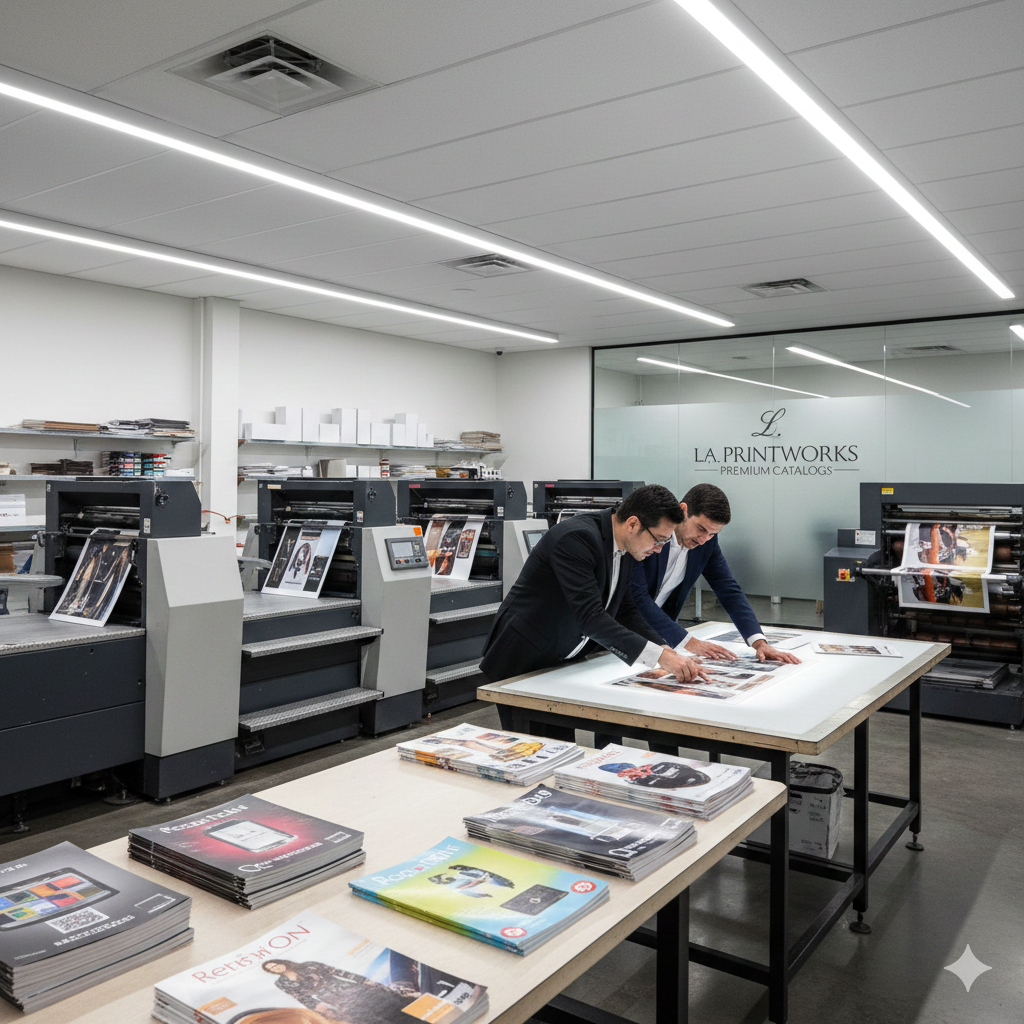

When working with Catalog Printing Services In Los Angeles, submitting the right print-ready files is essential for producing high-quality, professional catalogs. Whether you’re printing product catalogs, lookbooks, or corporate brochures, correct file setup helps avoid delays, extra costs, and printing errors.
This blog explains exactly which file formats and specifications Los Angeles catalog printers expect, so your project runs smoothly from design to delivery.
Why File Preparation Matters for Catalog Printing
Catalogs often contain multiple pages, images, and layouts. Printing services in Los Angeles rely on properly prepared files to ensure:
-
Consistent color throughout the catalog
-
Sharp, high-resolution images
-
Accurate trimming and binding
-
Faster turnaround times
Incorrect files can lead to reprints, missed deadlines, and added prepress charges.
Best File Formats for Catalog Printing Services In Los Angeles
1. PDF (Most Preferred)
Professional catalog printers prefer PDF/X-1a or PDF/X-4 formats.
PDF requirements:
-
CMYK color mode
-
300 DPI image resolution
-
Fonts embedded or outlined
-
Bleed and crop marks included
PDFs maintain layout integrity across all pages, making them ideal for multi-page catalogs.
2. Adobe InDesign (INDD)
InDesign is widely used for catalog layouts.
If submitting INDD files:
-
Package the file with all fonts and images
-
Confirm page size and spine width
-
Ensure no missing links
Many Catalog Printing Services In Los Angeles request a final PDF exported from InDesign for accuracy.
3. Adobe Illustrator (AI)
Used for covers, inserts, or special layouts.
Guidelines:
-
Convert text to outlines
-
Embed images
-
Use CMYK colors only
4. Adobe Photoshop (PSD)
Suitable for image-heavy catalog pages.
Best practices:
-
Flatten layers if required
-
300 DPI resolution
-
CMYK color profile
Essential File Specifications Printers Expect
CMYK Color Mode
Catalog printers do not print in RGB. Always convert files to CMYK to prevent color shifts.
Image Resolution
-
Standard catalogs: 300 DPI
-
Large catalogs or special finishes: confirm with your printer
Low-resolution images reduce print clarity and quality.
Bleed, Trim, and Safe Zones
Most Catalog Printing Services In Los Angeles require:
-
Bleed: 0.125 inches on all sides
-
Trim size: final catalog dimensions
-
Safe zone: keep text 0.25 inches inside trim
This prevents unwanted white edges after cutting.
Fonts and Text Handling
-
Embed fonts in PDFs or
-
Convert fonts to outlines
Missing fonts can alter spacing and alignment across pages.
Additional Files for Catalog Printing Projects
Depending on binding and finishes, printers may ask for:
-
Separate cover and interior files
-
Spine width details
-
Pantone or spot color references
-
Proof approval files
Always confirm requirements before final submission.
Common File Mistakes to Avoid
-
Sending RGB files instead of CMYK
-
Forgetting bleed settings
-
Using low-resolution images
-
Submitting Word or PowerPoint files
-
Not outlining or embedding fonts
Avoiding these errors saves time and cost.
Final Thoughts
Preparing files correctly is crucial when working with Catalog Printing Services In Los Angeles. Print-ready files ensure your catalogs look professional, print accurately, and meet tight deadlines.
Frequently Asked Questions (FAQs)
1. What file format do Catalog Printing Services In Los Angeles prefer?
Most Catalog Printing Services In Los Angeles prefer PDF/X-1a or PDF/X-4 files. These formats preserve layout, fonts, and colors, ensuring accurate and consistent printing across all catalog pages.
2. Should catalog files be in CMYK or RGB?
Catalog files must be in CMYK color mode. RGB is designed for screens and can cause color shifts when printed. Professional catalog printers in Los Angeles require CMYK for precise color output.
3. What resolution is required for catalog printing?
Images should be at least 300 DPI for high-quality catalog printing. Lower resolutions may result in blurry or pixelated images in the final printed catalog.
4. Do catalog printing services in Los Angeles require bleed?
Yes. Most printers require a 0.125-inch (⅛ inch) bleed on all sides. Bleed ensures clean trimming without white edges after the catalog is cut.
5. Do I need to outline or embed fonts in catalog files?
Yes. Fonts should be embedded in the PDF or converted to outlines. This prevents font substitution or spacing issues during printing.
6. Can I submit Word or PowerPoint files for catalog printing?
No. Professional Catalog Printing Services In Los Angeles do not recommend Word or PowerPoint files for final print. Print-ready PDFs or Adobe design files are the industry standard.
7. Should the catalog cover and interior pages be separate files?
In most cases, yes. Printers often request separate files for the cover and interior pages, especially for catalogs with different paper stocks or finishes.
8. How do I know if my catalog file is print-ready?
A print-ready file includes correct page size, bleed, CMYK colors, embedded fonts, and high-resolution images. Many Los Angeles catalog printers offer prepress file checks to verify readiness.
9. What happens if my catalog files are not set up correctly?
Incorrect files can cause printing delays, extra setup charges, color errors, or reprints. Submitting properly prepared files helps save time and cost.
10. Can Catalog Printing Services In Los Angeles help fix my files?
Yes. Many local printing companies offer file setup, corrections, and prepress support if your files need adjustments before printing.